QR Menu London: The Digital Menu Guide for UK Restaurants
London serves the world at the table — 270+ languages, millions of visitors, and strict UK allergen rules. This guide shows London restaurateurs how a multilingual QR code menu solves all three at once, with concrete examples by neighbourhood and area.
Why London is the hardest menu in the world to print
No city tests a restaurant menu quite like London. On a single Friday night, a Soho bistro might seat a family from Tokyo, a couple from São Paulo, three colleagues from Riyadh and a group of students from Milan — then turn the table and do it again with guests who speak Mandarin, Hebrew and French. London is one of the most linguistically diverse cities on earth — more than 300 languages are spoken in its schools alone — and it draws tens of millions of international visitors a year. A printed menu, frozen in one language the moment it leaves the printer, simply can’t keep up.
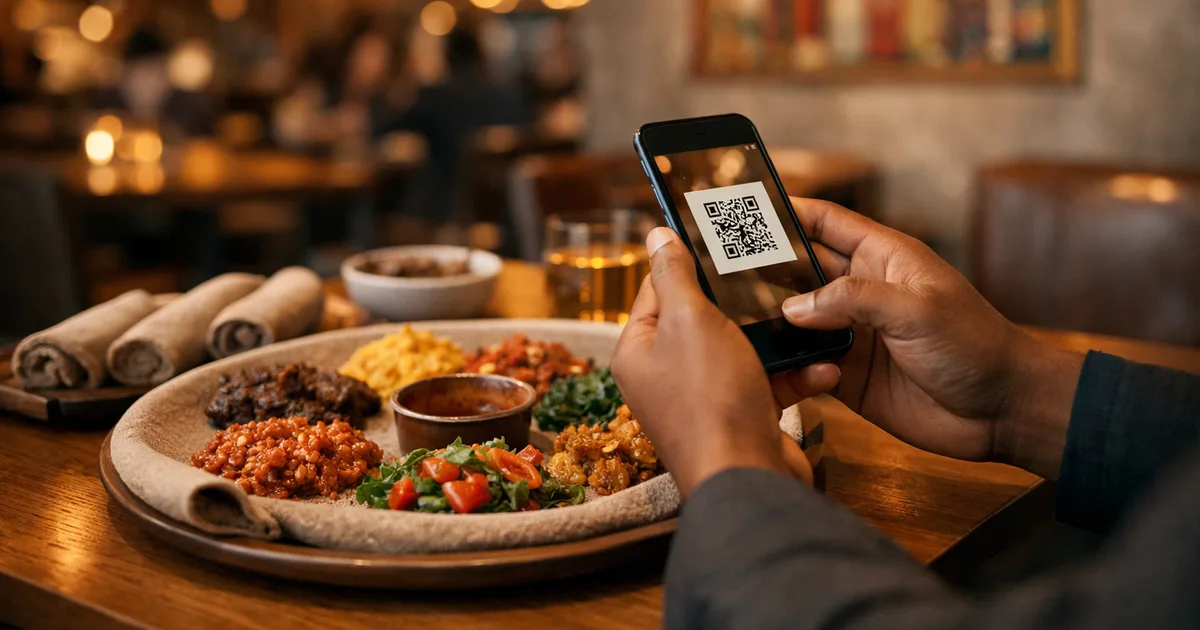
A QR code menu — a digital menu your guests open by scanning a small code with their phone camera — is built for exactly this. No app to install, no account to create: the menu loads in the browser in a second, in the guest’s own language, with photos, prices and allergen information that you can change whenever you like.
This guide is written for London and UK restaurateurs who already sense that paper is holding them back. We’ll focus on the three pressures that hit London hardest — language, UK allergen law, and the pace of change — and show how a digital menu turns each one from a daily headache into a competitive edge.
TL;DR for busy operators
- London’s international, multilingual clientele makes a single-language printed menu a revenue leak.
- A QR code menu serves the same dishes in many languages from one code — no stacks of translated prints.
- UK rules require allergen information for all 14 named allergens; digital tagging makes it consistent and easy to keep current.
- Price and availability changes go live instantly, on every table, at zero printing cost.
- You can have your first menu live before the next service.
Pressure 1: London speaks every language — your menu should too
The single biggest lever a London restaurant can pull is language. International guests order more confidently, ask staff fewer questions, and feel more welcome when they can read your menu properly. When a visitor can’t tell whether a dish contains pork, nuts or alcohol, the safe choice is to order the one thing they recognise — or to under-order. That’s lost revenue on every cautious table.
A multilingual QR code menu fixes this without adding a single laminated sheet to your stock cupboard. With ShevaFood, you build your menu once and switch on the languages your guests actually speak. The customer taps a language selector and reads the whole menu — dish names, descriptions, allergens, prices — in their own words. One code on the table quietly does the work of a dozen translated print runs.
This matters differently across London’s neighbourhoods:
- Soho and Covent Garden: pre-theatre crowds and dense tourist traffic. A guest with 40 minutes before curtain-up won’t wait for a translation — they’ll read it themselves and order.
- Shoreditch and Hackney cafés: an international, design-literate crowd that expects a slick, scannable experience and notices clumsy printed translations.
- Knightsbridge and Mayfair fine dining: high-spend visitors from the Gulf, Asia and the US who appreciate a menu that explains an unfamiliar British dish in their language rather than leaving them to guess.
- Borough Market and street-food stalls: fast queues where a clear, photo-led digital menu in several languages moves people through faster than any chalkboard.
- Bloomsbury and South Bank gastropubs: culture-and-business tourists who want to understand exactly what a “Sunday roast” or “sticky toffee pudding” is before committing.
The underlying point is the same everywhere: in a city this international, the menu is part of your hospitality. Making it readable to everyone at the table is one of the cheapest service upgrades available — and a printed menu can’t deliver it.
Pressure 2: UK allergen rules — and why digital tagging is the clean answer
The UK has some of the clearest allergen rules in the world, and London restaurants are firmly in scope. Food law requires businesses to provide information about 14 named allergens whenever they appear in a dish. Those 14 are: celery; cereals containing gluten (such as wheat, barley and oats); crustaceans (such as prawns, crab and lobster); eggs; fish; lupin; milk; molluscs (such as mussels and oysters); mustard; peanuts; sesame; soybeans; sulphur dioxide and sulphites; and tree nuts (such as almonds, hazelnuts and walnuts).
For food that isn’t pre-packed — the meals you cook to order and serve at the table — the UK Food Standards Agency lets you provide this information by any clear means: written on the menu, on a board, or verbally as long as a visible notice tells customers how to ask. In other words, the law doesn’t mandate a digital menu, but it does demand that allergen information be accurate, available and consistent for every one of those 14 allergens.
There’s also important context many operators have heard of but aren’t sure how to apply: Natasha’s Law. Since 1 October 2021, this requires food that is prepacked for direct sale (PPDS) — think a sandwich or salad you’ve wrapped on-site to grab off a shelf — to carry a full ingredients list with the 14 allergens emphasised. It’s a labelling rule for packaged-on-premises items, not a requirement to digitise your à la carte menu. But it reflects the direction of travel: UK diners increasingly expect allergen transparency as standard, and they remember the venues that get it right.
This is where a digital menu quietly outperforms paper. With ShevaFood you tag each dish with the relevant allergens once, and that information shows on every guest’s screen, in every language, every time — no smudged annotations, no “let me check with the kitchen” for the obvious cases, no out-of-date printed insert contradicting the current recipe. When you change a supplier or tweak a recipe, you update the tag in one place and it’s instantly correct everywhere.
A few practical habits make digital allergen tagging genuinely useful rather than box-ticking:
- Tag at the point of recipe creation, not as an afterthought, so nothing ships untagged.
- Keep tags current when recipes change — a digital menu makes this a five-second edit instead of a reprint.
- Still train your staff. A clear digital menu supports your team and your legal duty; it doesn’t replace a knowledgeable answer for a guest with a serious allergy. Always treat verbal confirmation as the final word for at-risk diners.
For the bigger picture on why digital simply does more than print here, see our breakdown of the real benefits of QR code menus and the head-to-head comparison between physical and digital menus.
Pressure 3: London moves fast — your menu can’t be frozen in print
London kitchens change constantly: a fish supplier comes up short, a seasonal special sells out by 8pm, an ingredient price jumps, a new chef’s dish lands mid-week. With print, every one of those changes means crossing out a line by hand or ordering a reprint — and living with a wrong menu until it arrives.
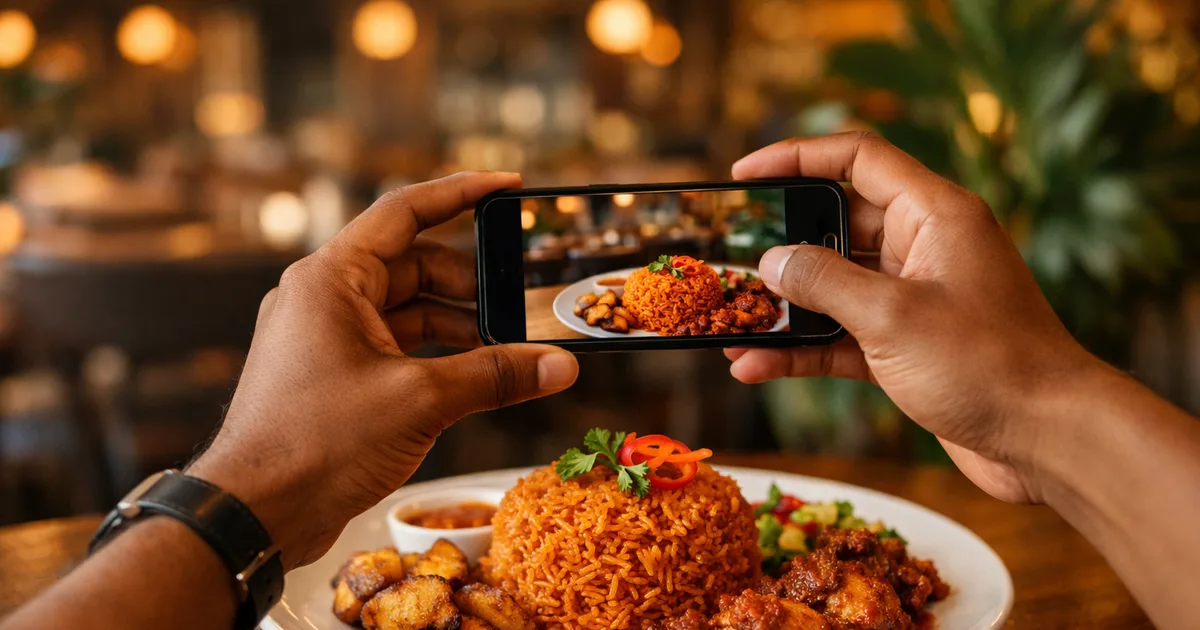
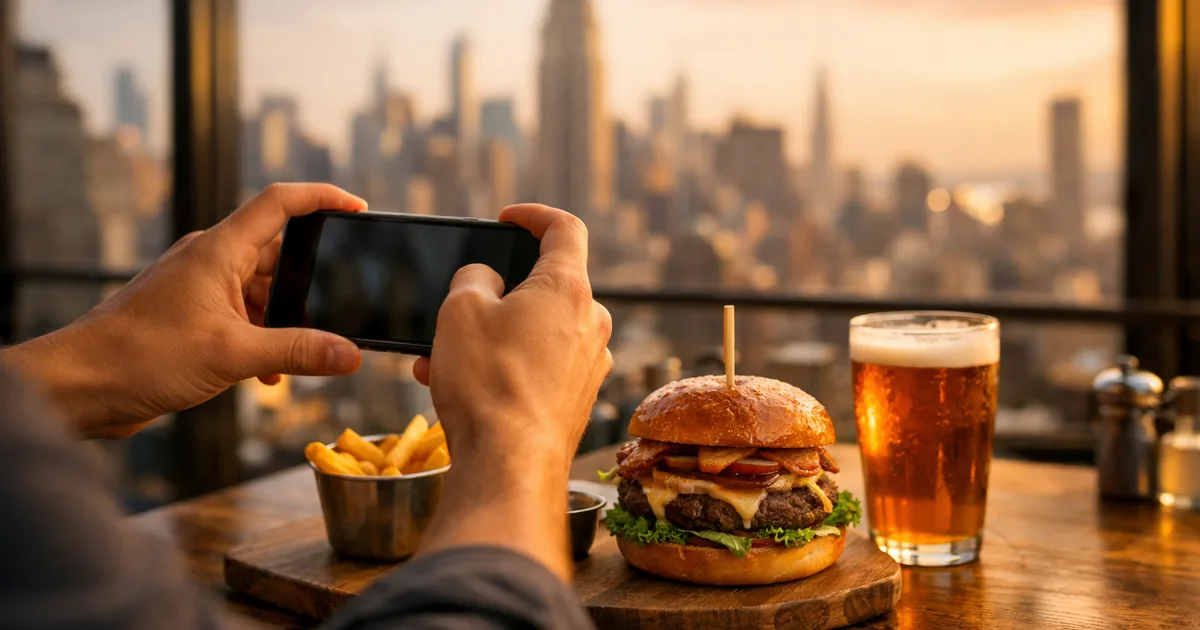
A QR code menu makes the change live in seconds, on every table at once. Sold out? Hide the dish. New price? Edit it. New summer special? Add it with a photo before the lunch rush. Because there’s no marginal cost to an update, you can keep the menu genuinely accurate all day — which, in a city where guests photograph everything, protects both your margins and your reputation.
This is also where contactless, scan-to-view dining has simply become the London norm. Guests are comfortable scanning at the table, on a terrace that appears the moment the sun does, at a festival stall, or at a counter. The phone is already in their hand; the menu meets them there.
QR menu vs the alternatives, for a London venue
| Approach | Languages | Allergen info | Update speed | Cost to change |
|---|---|---|---|---|
| Printed menu | One per print run | Static, easy to outdate | Reprint or hand-edit | High (new print each time) |
| PDF on a link | One PDF per language | Static in the file | Re-export and re-upload | Low but clunky |
| QR code menu (ShevaFood) | Many, from one code | Tagged per dish, always current | Instant, every table | Zero per update |
For the full, format-by-format breakdown of how QR menus work end to end, our pillar guide — The Complete Guide to QR Code Menus for Restaurants — covers setup, costs, mistakes and platform choice in depth. This London guide is the local companion to it.
How a London restaurant gets a digital menu live
You don’t need a developer or a designer. The path is short:
- Create your menu — add your categories (starters, mains, sides, drinks), dishes, prices and photos. You can type them in or upload an existing menu to start.
- Tag your allergens — mark each dish for any of the 14 named allergens it contains.
- Switch on your languages — enable the languages your guests speak so the whole menu translates with a tap.
- Generate and print the QR code — pop it on table cards, stickers, A-boards or the window. One code can serve your whole menu.
- Scan it yourself — walk the guest experience on your own phone, in two or three languages, before you go live.
That’s it. Your first menu is usually live within a single setup session, and every future change takes seconds.
Launch your London menu today
Frequently asked questions
Yes. Native camera scanning has been built into the iPhone since iOS 11 in 2017 (and Android’s camera app shortly after), and contactless ordering is now a normal part of dining in London — from Soho restaurants to Borough Market stalls. International visitors in particular value being able to read the menu in their own language without flagging down a member of staff.
A digital menu is an excellent way to present accurate, consistent allergen information for all 14 named allergens, and to keep it current. The UK Food Standards Agency allows allergen information for non-prepacked food to be provided by any clear means, including on a menu. It remains your responsibility to ensure the information is correct and to confirm verbally with guests who have serious allergies — the menu supports your team, it doesn’t replace them.
Yes. With ShevaFood you build the menu once and enable multiple languages; guests choose their language from a selector and the whole menu — including allergen tags — appears in it. One printed code on the table covers every language you’ve switched on.
A single fold-out print run in central London often costs more than a month of a digital menu subscription — and you pay it again every time something changes. With a QR menu, updates are free and instant. See our comparison between physical and digital menus for the numbers.
All of them. Gastropubs in Bloomsbury, cafés in Shoreditch, fine dining in Mayfair, street-food stalls at Borough Market, hotel bars on the South Bank — anywhere with an international clientele, fast-changing dishes, or limited table space benefits most.
The bottom line for London restaurateurs
London asks your menu to do three hard things at once: speak to the world, satisfy strict UK allergen expectations, and keep pace with a kitchen that changes daily. A printed menu can do none of them well. A multilingual QR code menu does all three — readable in your guests’ languages, accurate on every allergen, and updated in seconds at zero cost.
Ready to see it on your own tables? Start your free ShevaFood account and launch a London-ready digital menu before your next service.
Sources
- Food allergy and intolerance: the 14 allergens — Food Standards Agency
- Allergen guidance for food businesses (non-prepacked food) — Food Standards Agency
- Introduction to allergen labelling changes (PPDS / Natasha's Law) — Food Standards Agency
- London's 300 languages are a boon for all the capital's children — UCL Institute of Education
- Scan a QR code with your iPhone camera — Apple Support